READY-TO-USE SOFTWARE
Loading this product.
Fetching the latest release details.
PLEASE WAIT
Live release information is being fetched. This should only take a moment.
READY-TO-USE SOFTWARE
Loading this product.
Fetching the latest release details.
PLEASE WAIT
Live release information is being fetched. This should only take a moment.
01 / SOFTWARE
A professional teleprompter for live broadcast: download a free limited edition that opens shows and runs for 14 days, then activate a Pro licence to save and run the show.
FREE LIMITED EDITION
Install it on Windows · macOS · Linux and prompt a real show today. The free limited edition opens show files and runs for 14 days, with the Pro tools greyed out and a watermark and a Buy Pro reminder on the output. After 14 days it stops until you activate a Pro licence, which lifts the limit and unlocks saving and every Pro feature for A$99 (lifetime licence covering two machines), not a subscription.
Built from real production problems through MyEvent Productions. Visit MyEvent Productions
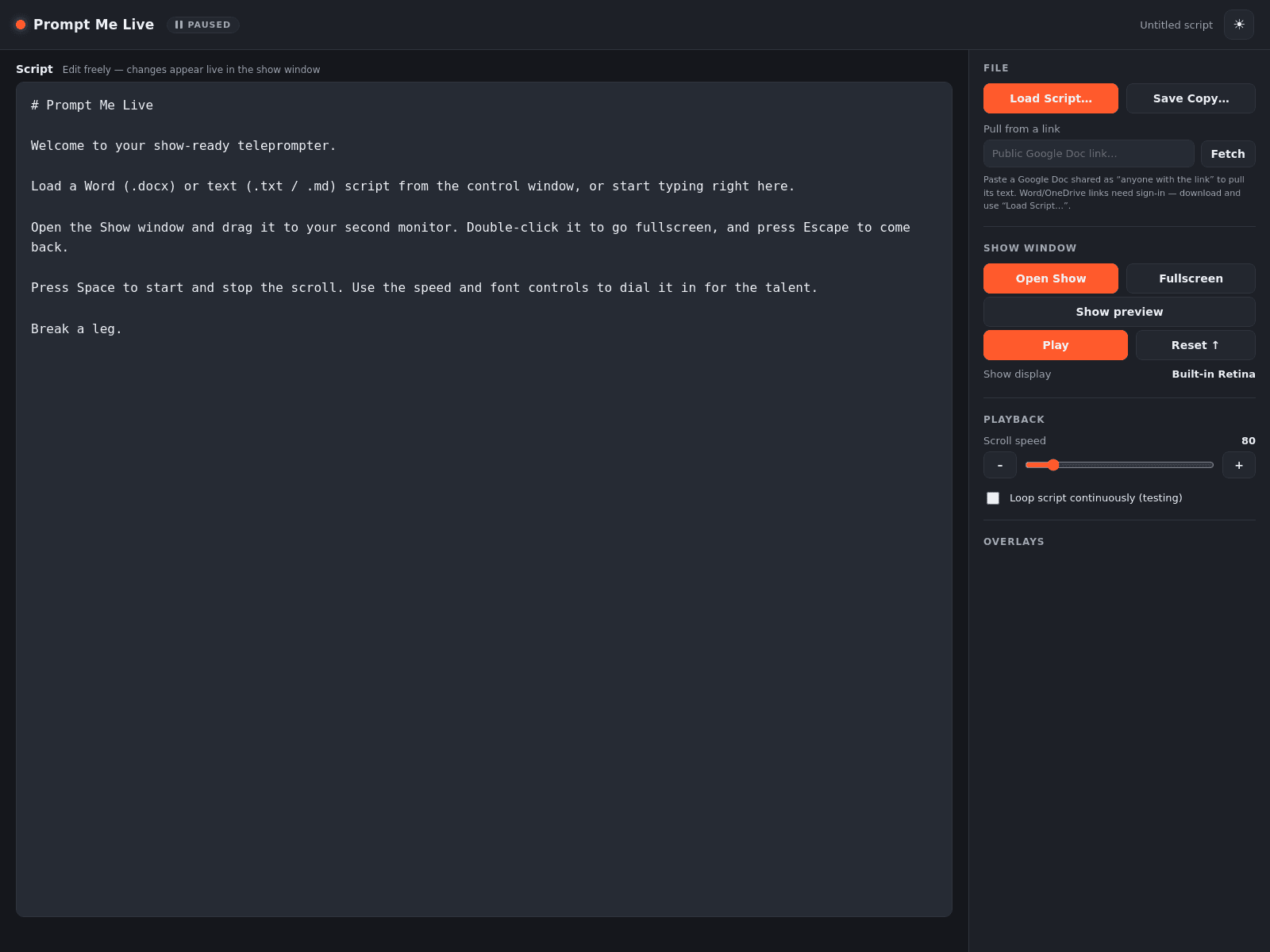
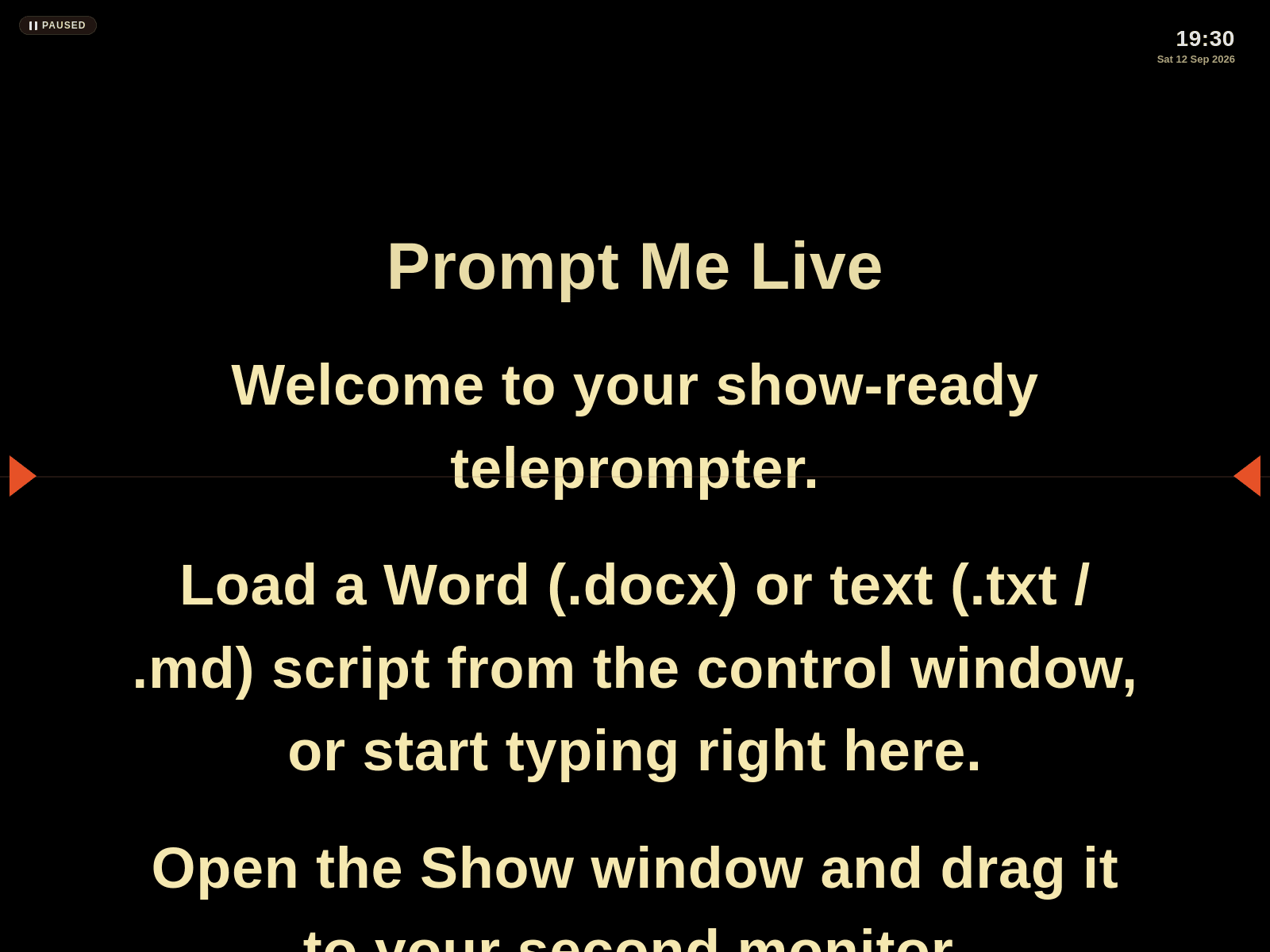
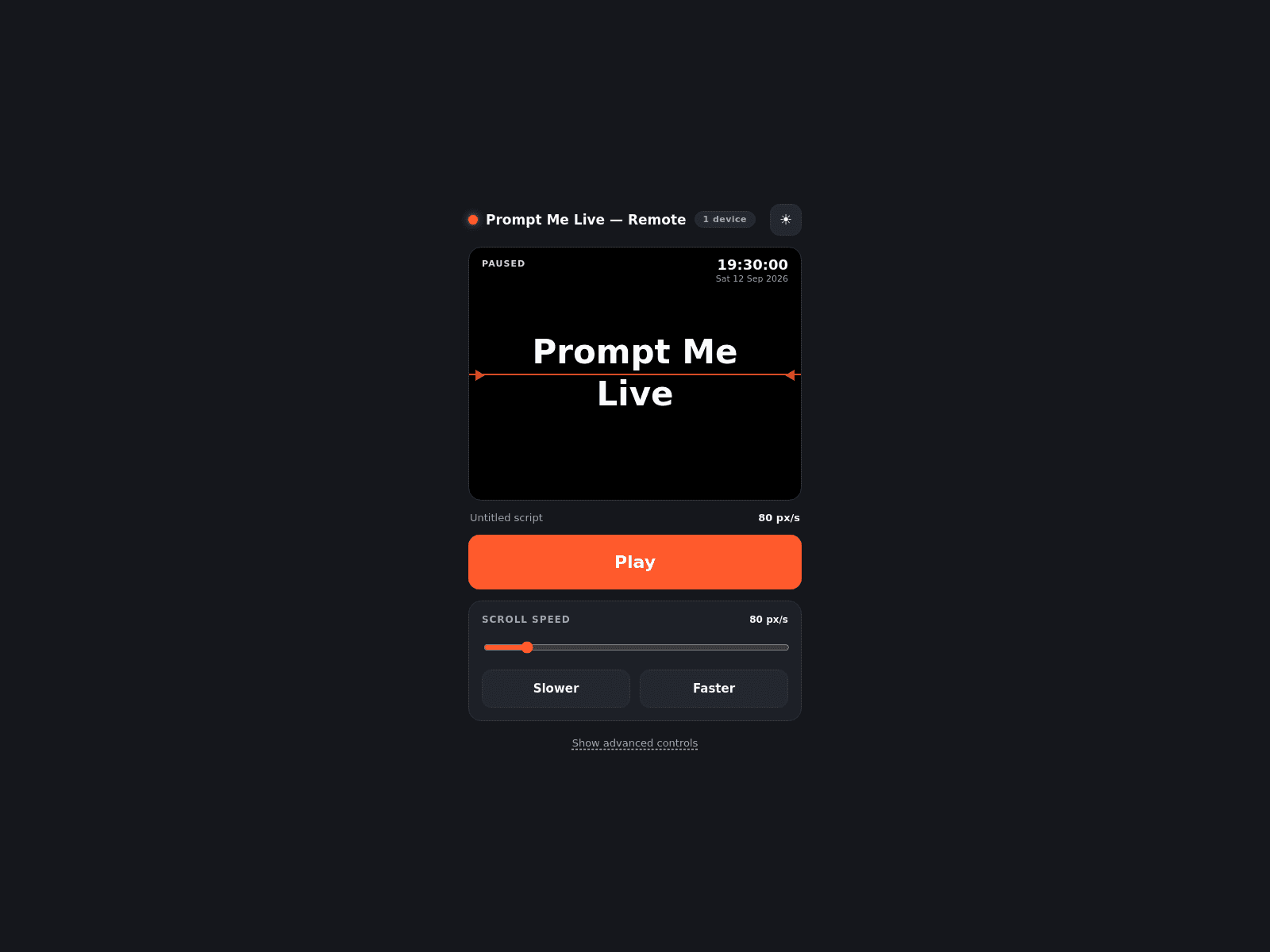
Two windows: a control surface for the operator and a clean output for the talent. Scrolling is frame-timed and pixel-snapped so text stays readable at any speed, and the output never shows an interface element the camera could catch.
Horizontal mirroring for beam-splitter glass, vertical flip, adjustable reading line for cameras at different heights, side margins, colour and type controls, plus colour bars and an alignment grid for lining up the monitor.
Load Word or plain-text files, paste a shared document link, or type directly into the control window. Edits appear on the output as you make them.
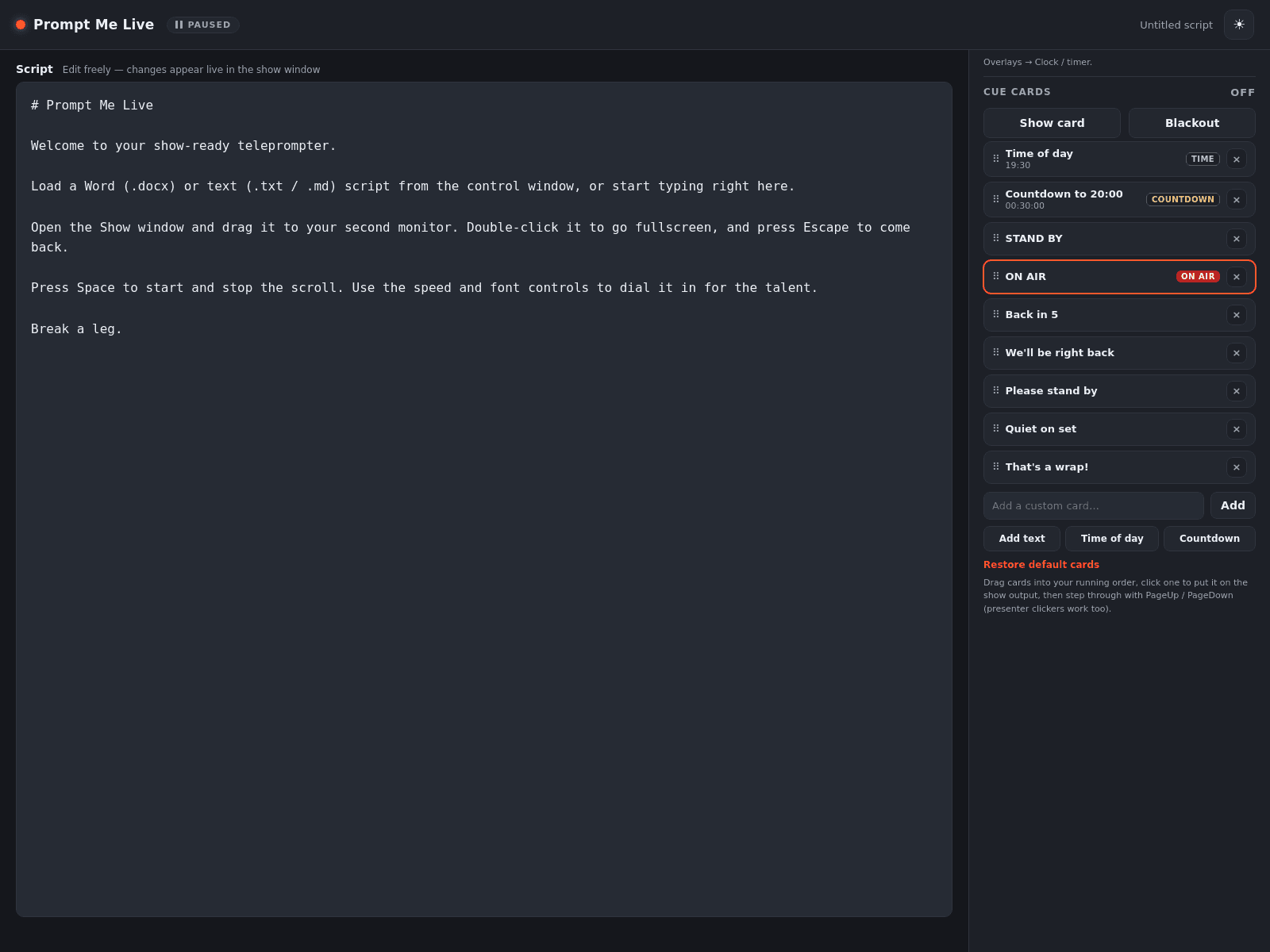
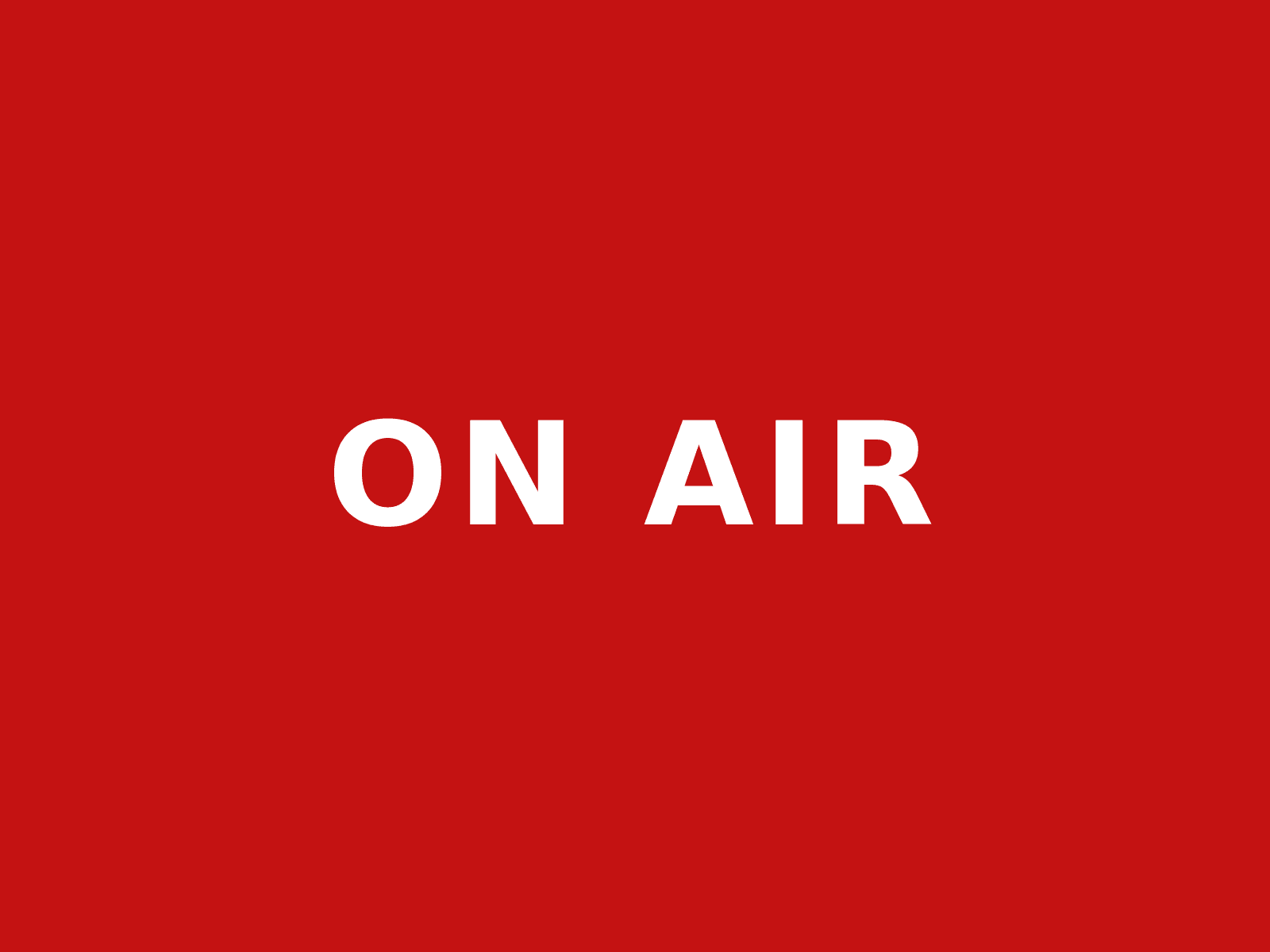
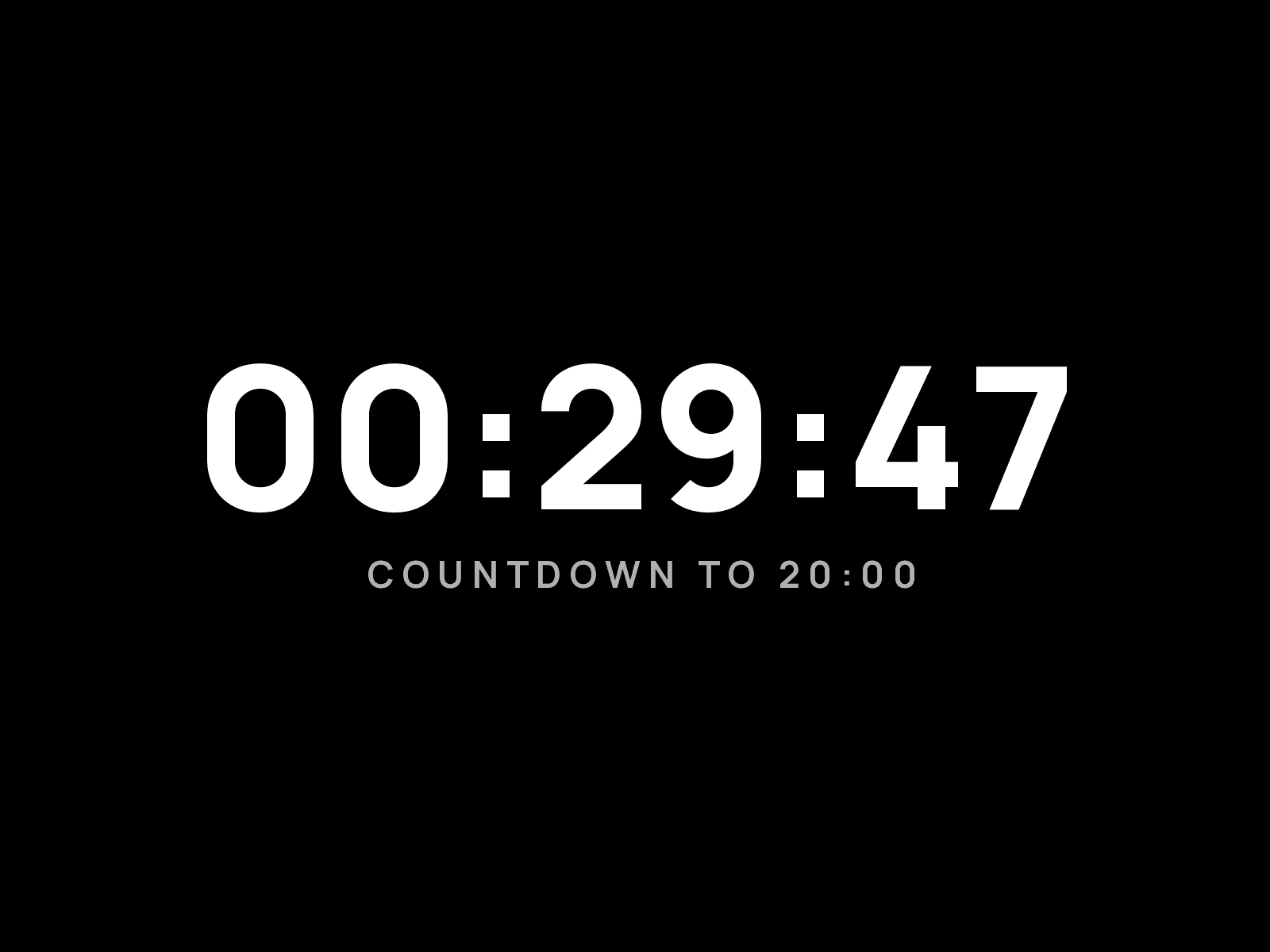
With a Pro licence, cue cards - STAND BY, ON AIR, Back in 5, plus Time of Day and Countdown cards - arranged into your running order and stepped through with a presenter clicker. A blackout key blanks the output instantly when something goes wrong.
With Pro, pair a phone over your local network by scanning a code, then drive playback, speed and the running order from your hand. Sessions are password-protected, cover up to five devices and stay on your own network.
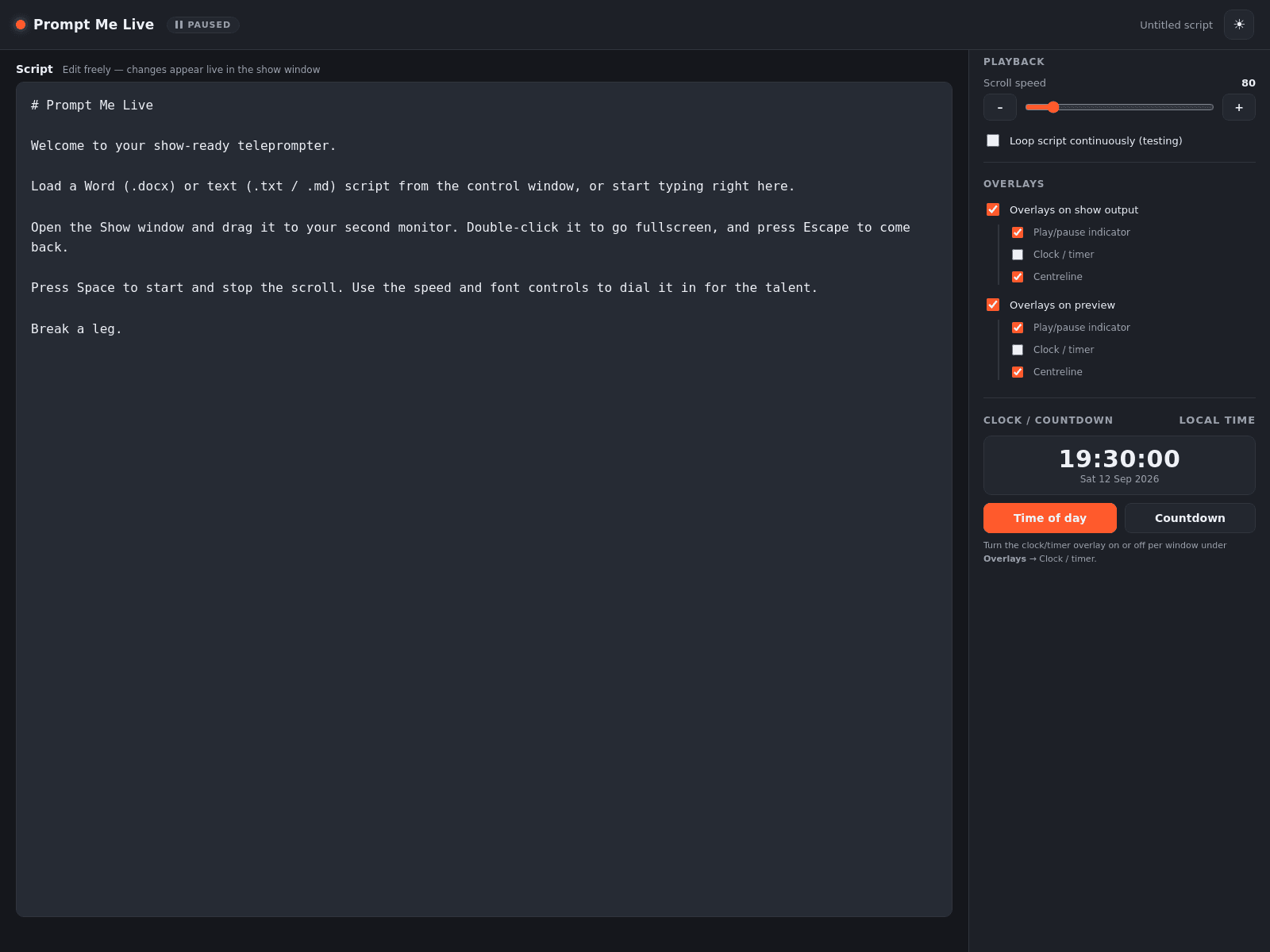
With Pro, a studio clock and a countdown to a fixed start time, shown on the output or kept to the operator's screen, with independent overlay control for each window.
| Feature | Free A$0 | Pro A$99 |
|---|---|---|
| The prompter | ||
| Script editing, Word and Google Docs import | Included | Included |
| Scrolling with speed, type and margin control | Included | Included |
| Mirror and vertical flip for beam-splitter glass | Included | Included |
| Reading line, centre arrows, camera-height offset | Included | Included |
| Second-screen output and confidence preview | Included | Included |
| Colour bars and alignment grid | Included | Included |
| Automatic updates | Included | Included |
| Running a show | ||
| Cue cards, running order and blackout | Not included | Included |
Builds are not yet code-signed, so Windows SmartScreen and macOS Gatekeeper will ask you to confirm the first launch. The application updates itself from this same location.
New to Prompt Me Live? Read the Getting Started guide (PDF) - or the guide for the current build (v1.8.1). It is the same help sheet built into the app.
The free download is a limited edition of the full teleprompter: script editing with Word or Google Docs import, live scrolling with speed, type and margin control, mirroring and vertical flip for prompter glass, the reading line, centre arrows and camera-height offset, the second-screen output, the confidence preview, the colour bars and alignment grid, and automatic updates. Because it is the limited edition the Pro tools - cue cards, the phone remote, the studio clock and the countdown - stay greyed out and unavailable, the show and preview windows carry a small "Developed by MyEvent Labs" watermark, and the show window shows a Buy Pro reminder. You can open a saved show file but you cannot save one; saving is a Pro feature. The free edition runs for 14 days, and after that the application stops until you activate a valid Pro licence key. It is free for personal and community use during those 14 days, including churches, schools and volunteer productions.
A Pro key lifts the 14-day limit so the application keeps running, and unlocks every Pro feature: saving a complete show file, the tools for running a show rather than just reading one - the cue card running order and blackout key, Time of Day and Countdown cards, the studio clock and countdown to air, the password-protected phone remote for up to five devices, live script editing from another device and independent overlay control for each window - and removal of the "Developed by MyEvent Labs" watermark and the Buy Pro reminder. A licence covers two machines.
No. Pro is a lifetime purchase covering two machines, so a show computer and a backup are both licensed, and it includes every update within the current major version. There is nothing to cancel and nothing recurring.
Buy a licence: we email you a paid Pro key, and you open the application, paste the key and choose Activate to unlock Pro on that machine. Activating lifts the 14-day limit and turns on saving and every other Pro feature. A licence covers two machines, so you can activate a show computer and a backup.
Only to activate a licence. The application runs entirely on your machine, and the phone remote works over your local network without internet access, so a venue with no connection is not a problem.
Windows, macOS on Apple Silicon, and Linux as an AppImage. Builds are currently unsigned, so Windows SmartScreen and macOS Gatekeeper will ask you to confirm the first launch.
Bring us the problem. We’ll work through the possibilities together.
| Studio clock and countdown to air | Not included | Included |
|---|
| Independent overlay control for each window | Not included | Included |
|---|
| Phone remote, password-protected, up to five devices | Not included | Included |
|---|
| Producer edits the live script from another device | Not included | Included |
|---|
| No "Developed by MyEvent Labs" watermark on the show and preview | Not included | Included |
|---|
| Open and save a complete show file | Open only | Included |
|---|
| Send discreet messages to the presenter | Not included | On the roadmap |
|---|
| Licence | ||
|---|---|---|
| Machines per licence | 1 | 2 |
| Commercial use | Personal and community | Included |
|---|
| Support | Community |
|---|
| How long it runs | 14 days, then stops until you activate Pro | No time limit |
|---|
● included · ○ on the roadmap. The free limited edition is open-only and runs for 14 days; after that it stops until you activate a paid Pro key, which unlocks saving and every Pro feature. A Pro licence is a lifetime purchase covering two machines, so a show computer and a backup are both licensed. See our licensing terms and returns policy.