READY-TO-USE SOFTWARE
Loading this product.
Fetching the latest release details.
PLEASE WAIT
Live release information is being fetched. This should only take a moment.
READY-TO-USE SOFTWARE
Loading this product.
Fetching the latest release details.
PLEASE WAIT
Live release information is being fetched. This should only take a moment.
20 / SOFTWARE
Mirror an iPhone or Android phone to your Windows, macOS or Linux desktop over your own network, with keyboard and mouse control on Windows.
FREE DESKTOP APP
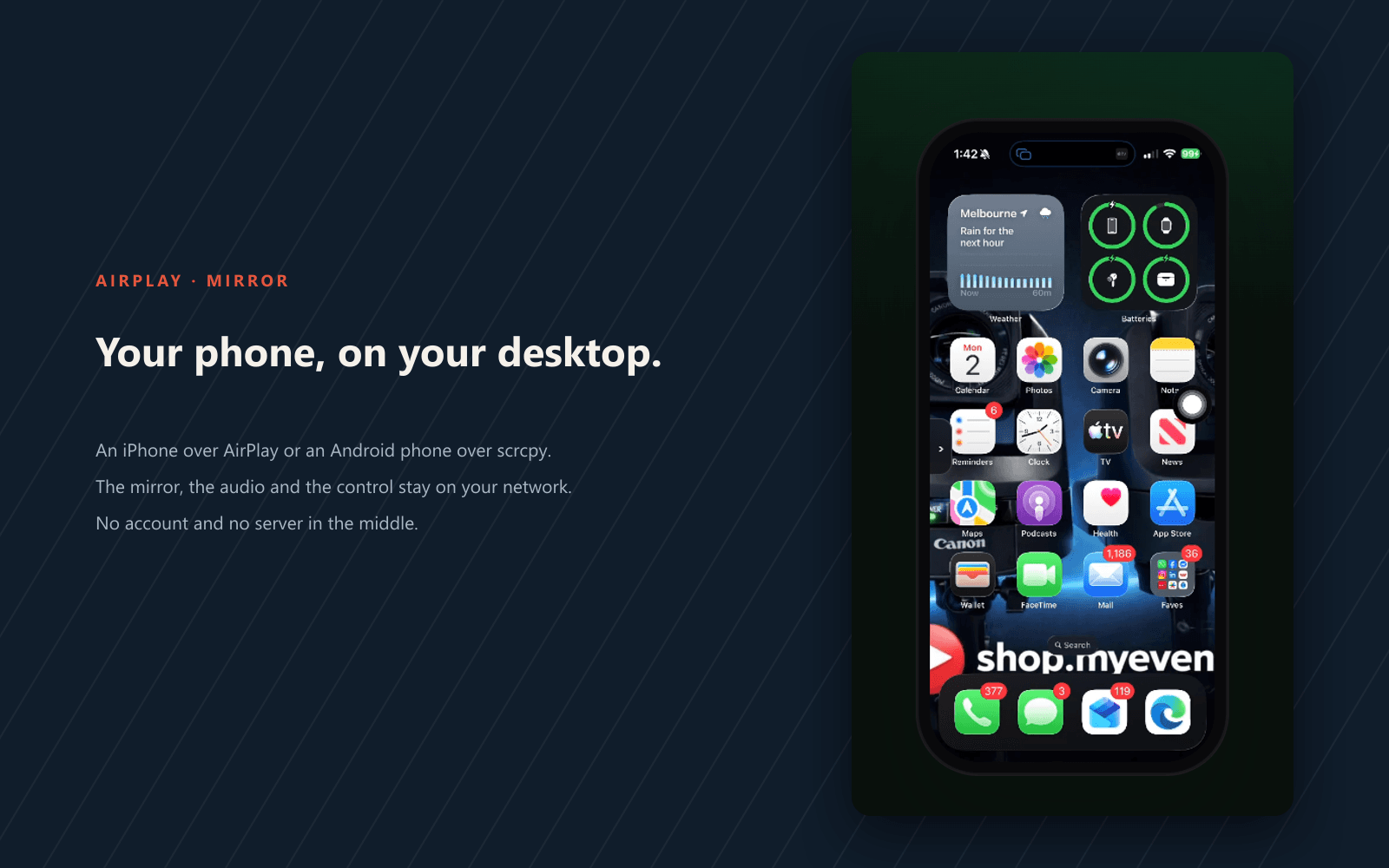
Air Mirror is a small desktop receiver for Windows, macOS and Linux. It mirrors an iPhone over AirPlay or an Android phone over scrcpy in one window on your own network, with keyboard and mouse control on Windows. There is no account, no licence key and no server in the middle.
Version 0.3.0 · Windows · macOS (Apple Silicon) · Linux (x86_64)
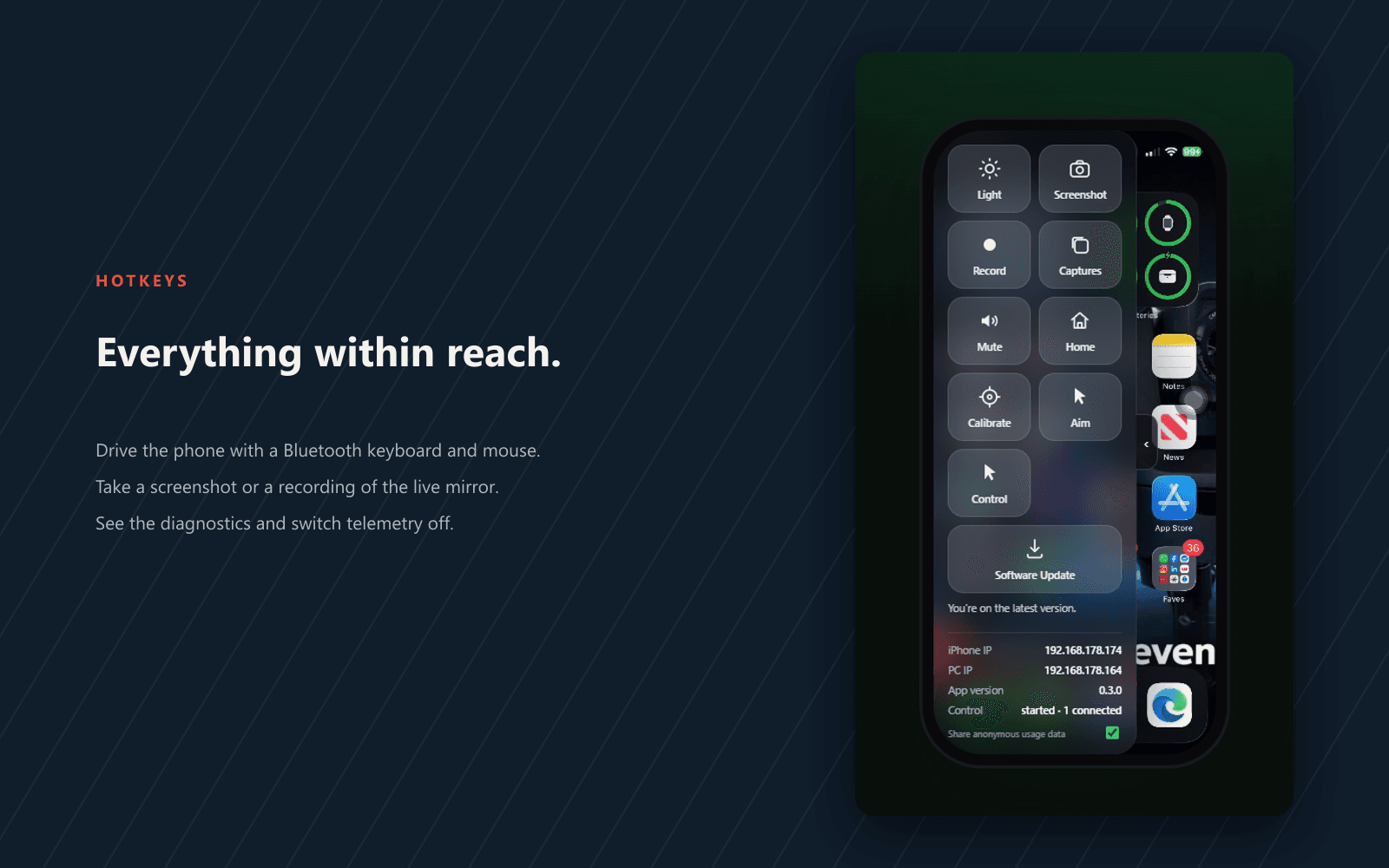
The shortcut is Esc by default. Esc releases Bluetooth control back to the phone. F1 opens the Hotkeys panel, which also holds the telemetry switch.
Built from real production problems through MyEvent Productions. Visit MyEvent Productions
AirPlay receives an iPhone, and scrcpy receives Android, in the same window. Each receiver reports whether it is actually ready on this machine rather than assuming it is: AirPlay is bundled on Windows, the Linux .deb installs it, and the macOS build says plainly when a system uxplay is still needed.
The video, the audio and the control traffic travel straight between the phone and this computer over the local network. There is no account, nothing to sign in to, and no MyEvent Labs server in the middle of the mirror.
On Windows, Air Mirror can act as a Bluetooth keyboard and mouse, so the mirror window controls the phone. Turn it on under Hotkeys, use Home and Control, and press Esc to hand control back to the phone.
Android mirroring needs scrcpy and adb on PATH, and macOS AirPlay needs a system uxplay that is not bundled yet. The window states what is present and what is missing, so a quiet receiver is a fact rather than a guess.
Air Mirror checks the MyEvent Labs feed on launch. When a newer version exists it opens the download page in your browser and never installs anything itself.
Builds are not code-signed yet, so Windows SmartScreen and macOS Gatekeeper may ask you to confirm the first launch.
Air Mirror carries the screen, the audio and the control traffic directly between your phone and this computer over the local network; nothing is routed through a MyEvent Labs server. Anonymous usage data is on by default and can be turned off in the Hotkeys panel: it sends an app version, the operating system and architecture, and coarse event counts, and never phone names, IP addresses, or screen content. Your settings and installation id stay in your own user account.
The full privacy information covers the detail.
Nothing. Air Mirror is free, with no licence key, no account and no paid tier. Download the installer for your system and run it.
An iPhone mirrors over AirPlay, and an Android phone mirrors over scrcpy (which needs scrcpy and adb on PATH and USB debugging enabled). It runs on Windows 10 and 11 (x64), macOS 12 or later on Apple Silicon, and a Linux desktop on x86_64.
No. The mirror travels between the phone and the computer over your local network, and there is no server in the middle. The only outbound traffic is the launch-time update check, plus anonymous usage data that is on by default and can be switched off in the Hotkeys panel; that data never includes phone names, IP addresses or screen content.
On Windows, yes: Air Mirror can act as a Bluetooth keyboard and mouse so the mirror window drives the phone. The PC's Bluetooth adapter needs to support the LE peripheral role, and a dedicated LE-only dongle is the most reliable. macOS and Linux show the control buttons disabled for now.
The macOS build does not bundle the AirPlay receiver yet. Until it does, AirPlay on macOS needs the UxPlay receiver built and placed on your PATH; Android over scrcpy works out of the box. The window says when the receiver is missing rather than failing silently.
Air Mirror checks the MyEvent Labs feed on launch. When a newer version exists it opens the download page in your browser; it never installs anything itself. Install the newer build the same way you installed this one.
Bring us the problem. We’ll work through the possibilities together.